
Built for clashes.
FATALITY is a Roblox macro with a precise input engine, up to 2,000 clicks a second, and a frosted-glass app you can make entirely your own.
Keys, support and HWID transfers are all handled in our Discord.
Why players pick FATALITY
Precise timing, a macro that knows when to stay quiet, and an app you'll actually like opening.
Precise when it counts
FATALITY times every input with Windows' high-precision clock and sends them in tight batches, so your rate stays steady anywhere from 5 to 2,000 clicks a second.
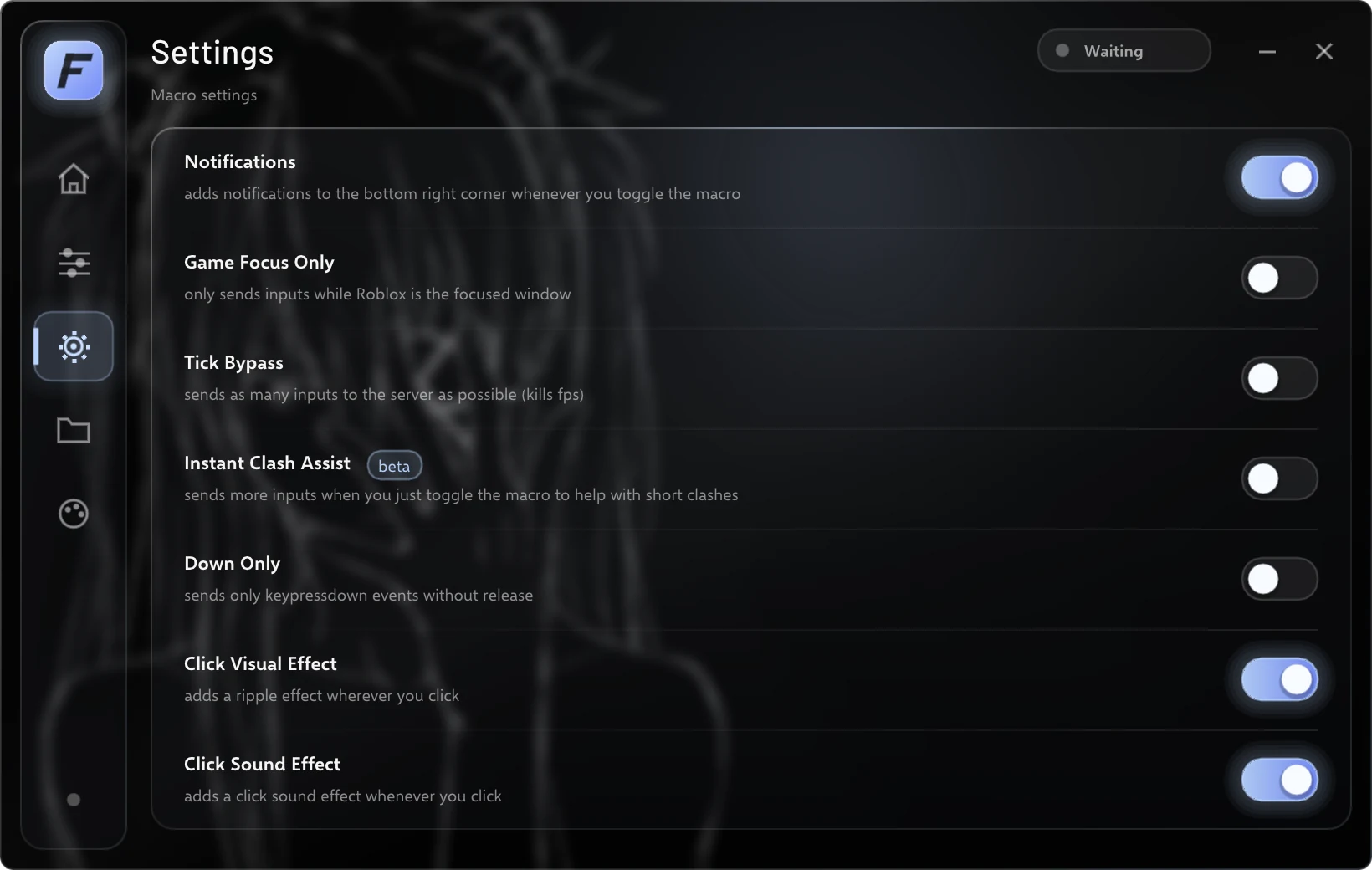
Turn on Instant Clash Assist and it doubles your rate for exactly 0.7 seconds every time you toggle the macro on, then drops back to your normal speed. That's the moment short clashes are won.
- Left or right click, or any key
- Toggle or Hold
- Tick Bypass
- Down Only
Instant Clash Assist, every time the macro turns on.
Stays out of your way
Turn on Game Focus Only and FATALITY pauses the moment you tab out of Roblox, then carries on when you tab back, so it never clicks into Discord or your desktop. It recognises Roblox however you launch it, including through Bloxstrap, Fishstrap and other bootstrappers.
A notification in the corner of your screen confirms every time the macro turns on or off, even when the app is minimised, and even the quickest tap of your bind is caught.
Make it yours
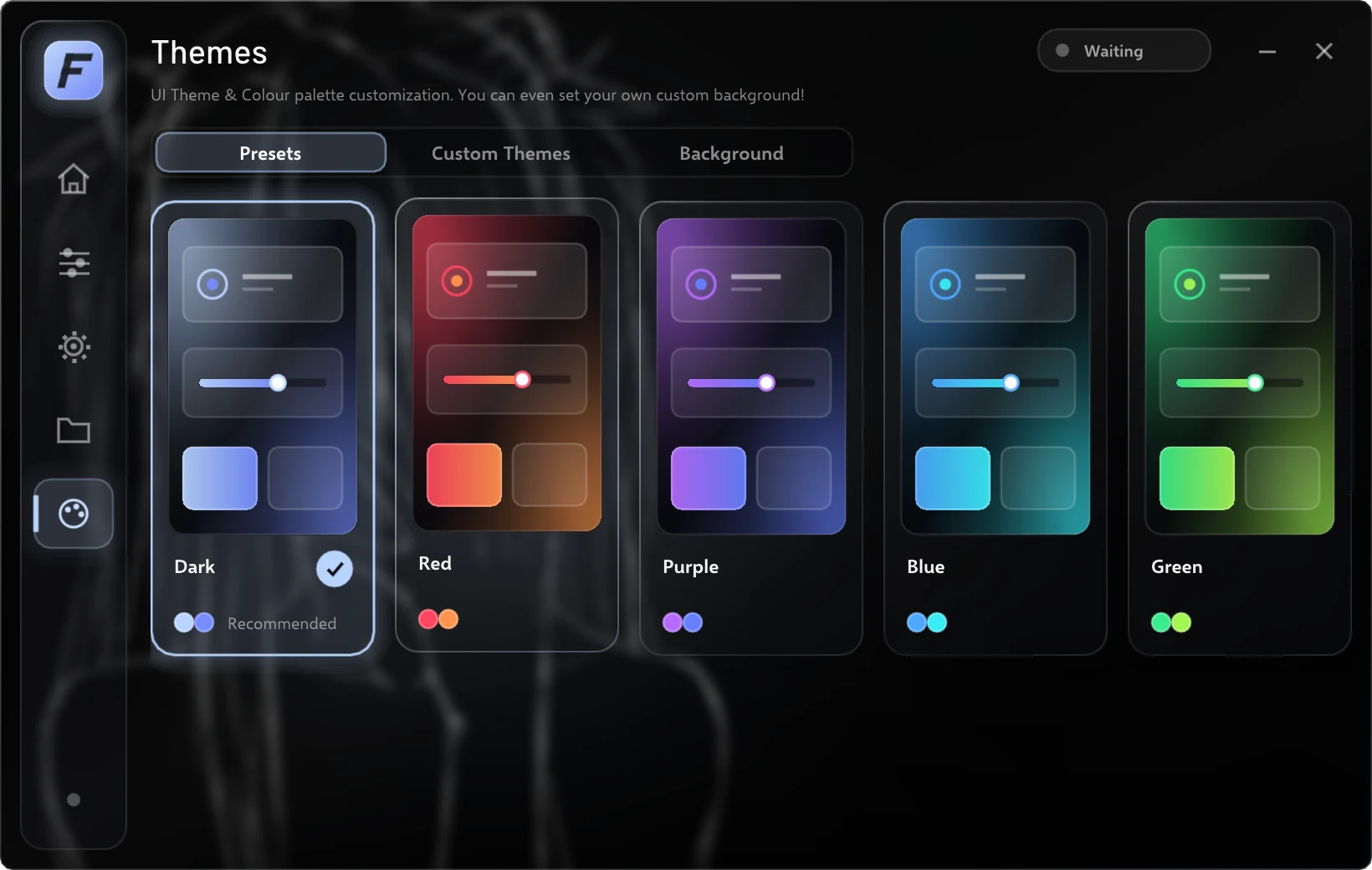
Start from one of five themes or build your own: pick the background, panels, text, accent, gradient and glow with a colour picker, or paste in a hex code. Save as many themes as you like and share them with friends.
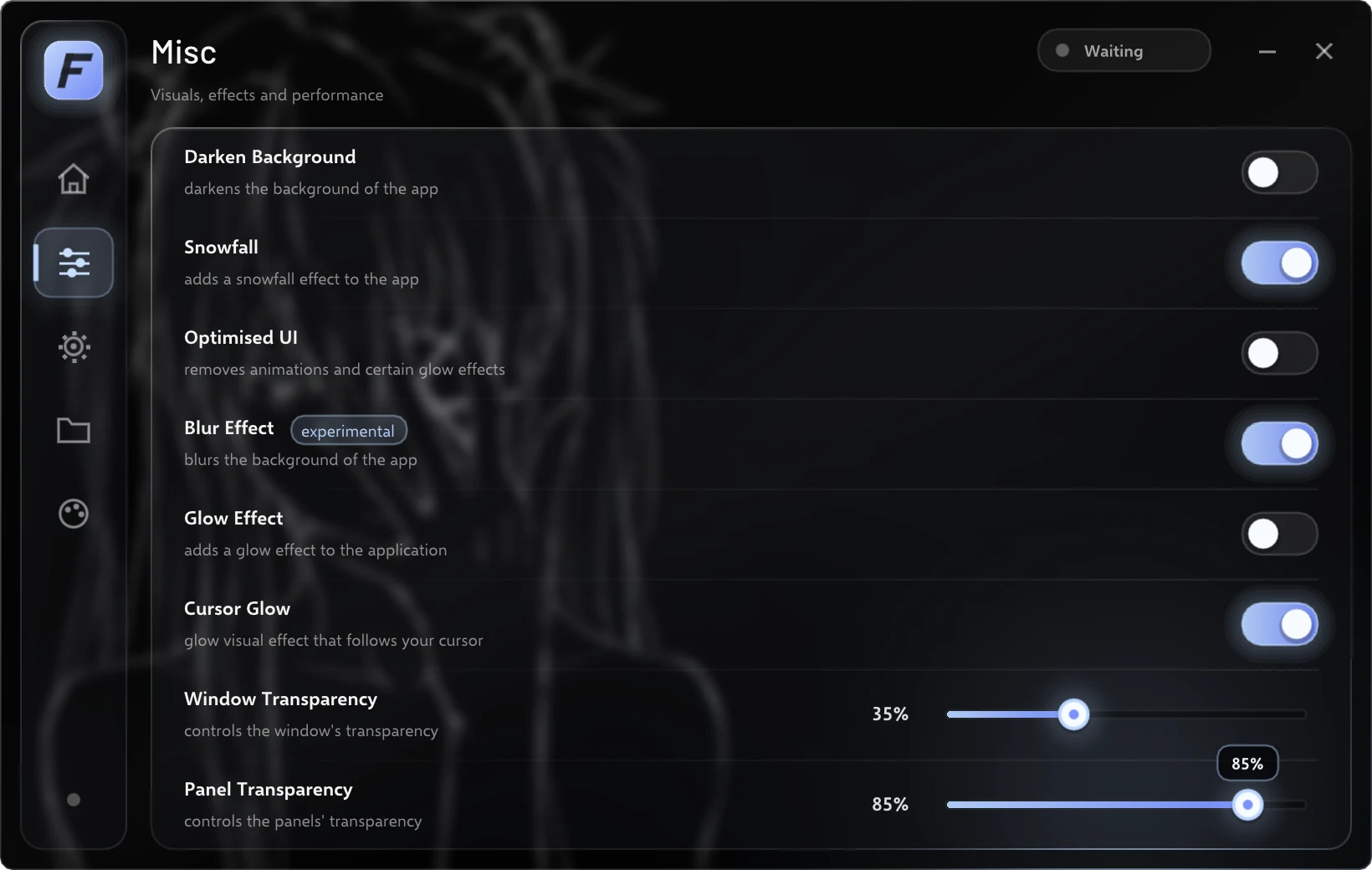
Set your own image or GIF as the background, blur it, and choose exactly how see-through the window and panels are.
The details matter too
Configs you can share
Save as many setups as you want, load them in one click and trade them as .cfg files. Auto save keeps your latest settings.
Knows when to update
The Home tab tells you whether you're on the latest version, so you never miss a fix.
Sharp on any display
Renders at your screen's real resolution, at 125%, 150% and higher Windows scaling.
Built-in click sound
An optional click sound, built right in and played only when you click the app.
Easy on low-end PCs
Optimised UI turns off animations and glow effects when you need every frame.
Help from real people
Open a ticket in our Discord for support or an HWID transfer.
Take a look around
Every tab, exactly as it looks in the app.
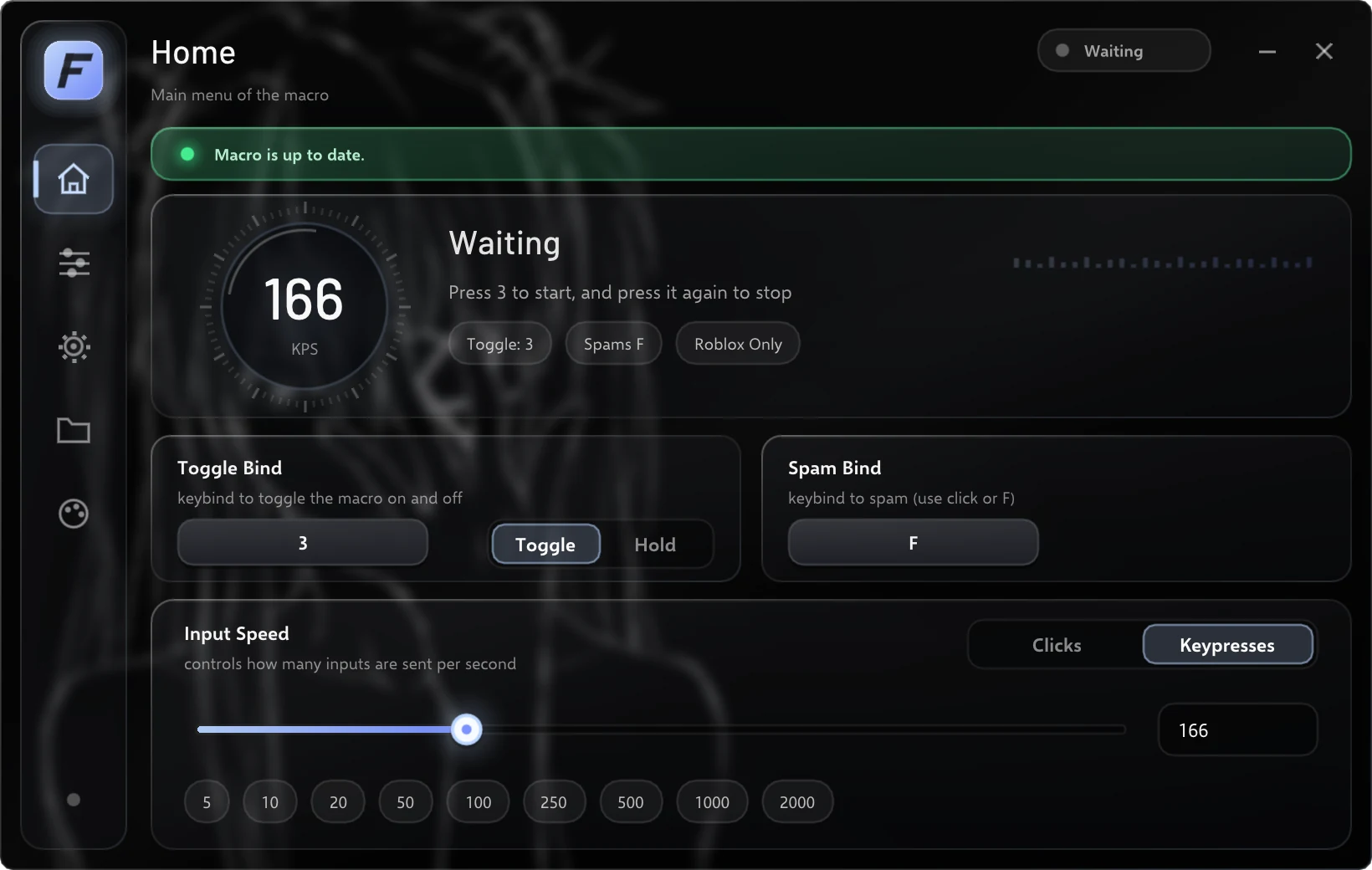
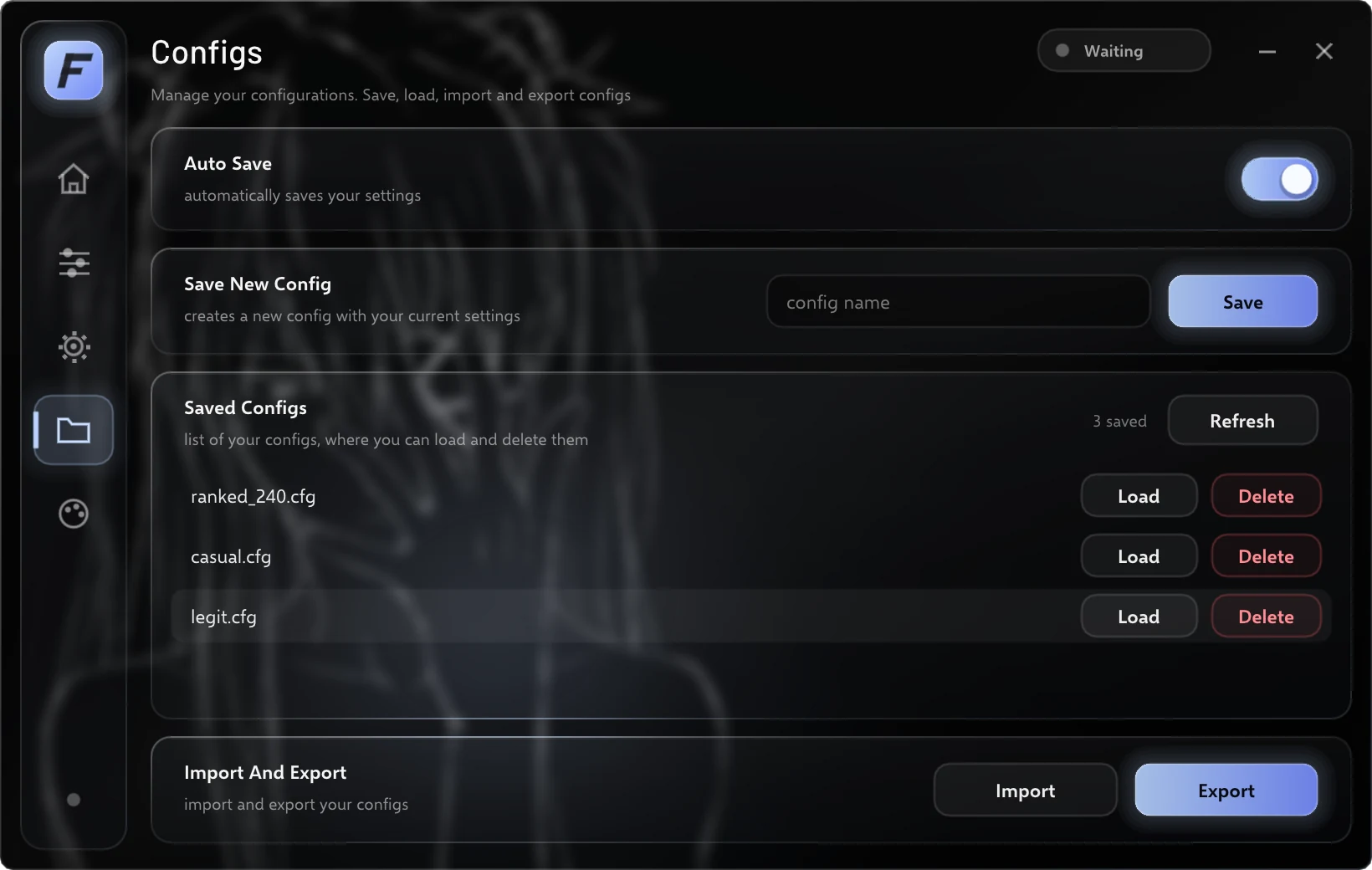
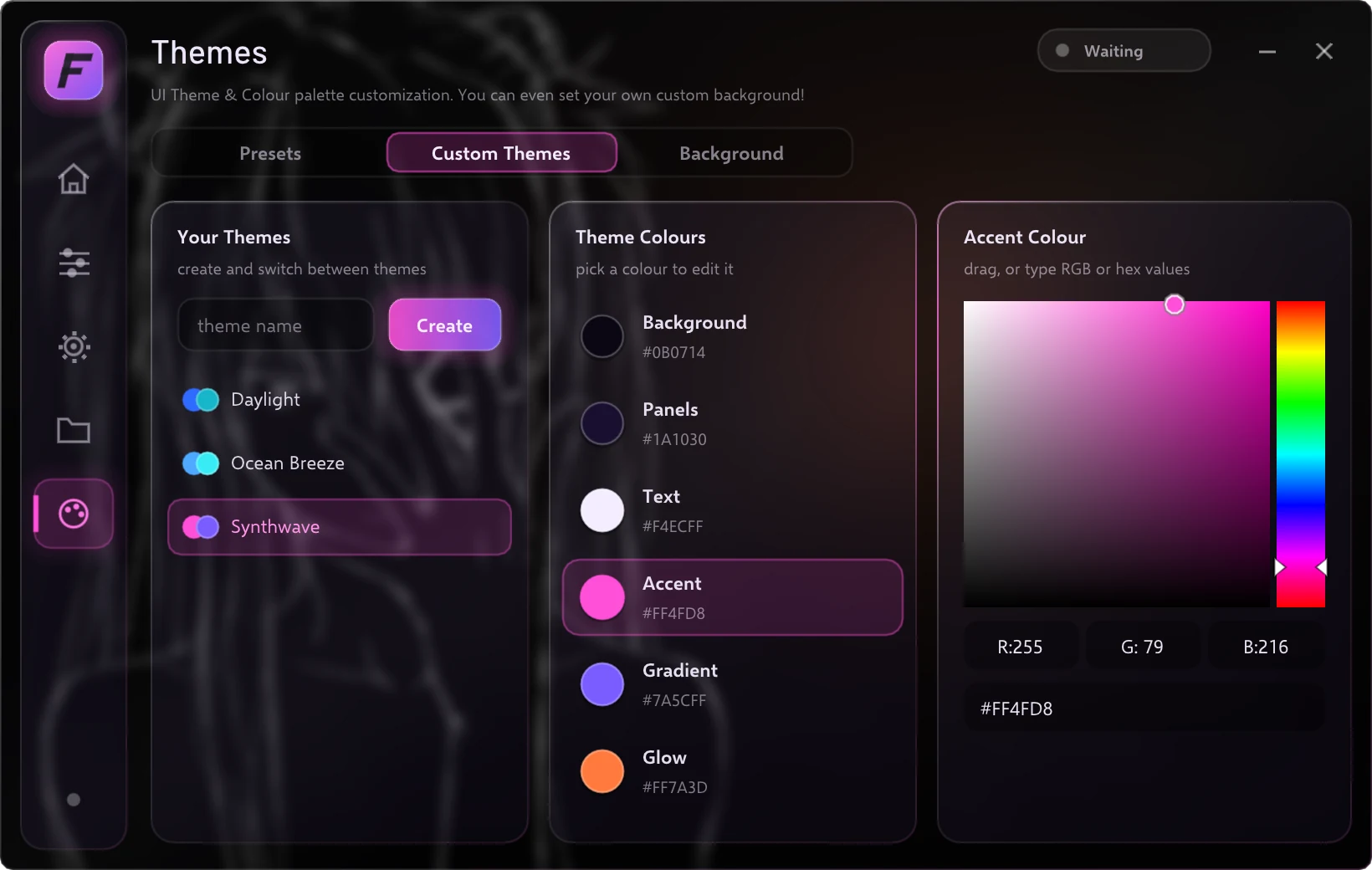
Your binds, input speed and live status in one place.
Ready when you are.
Join the Discord to get your key, ask a question or see what's new.